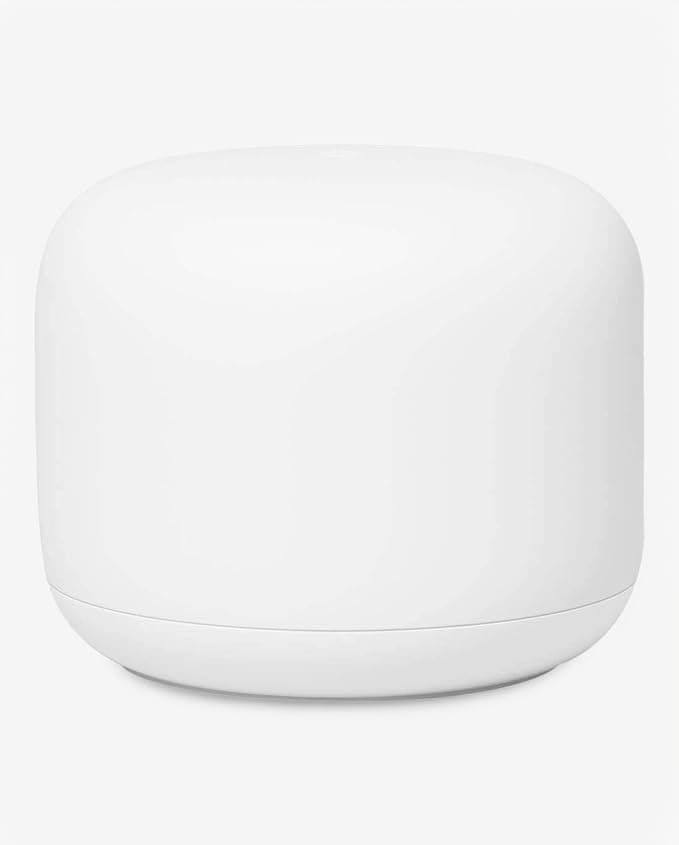
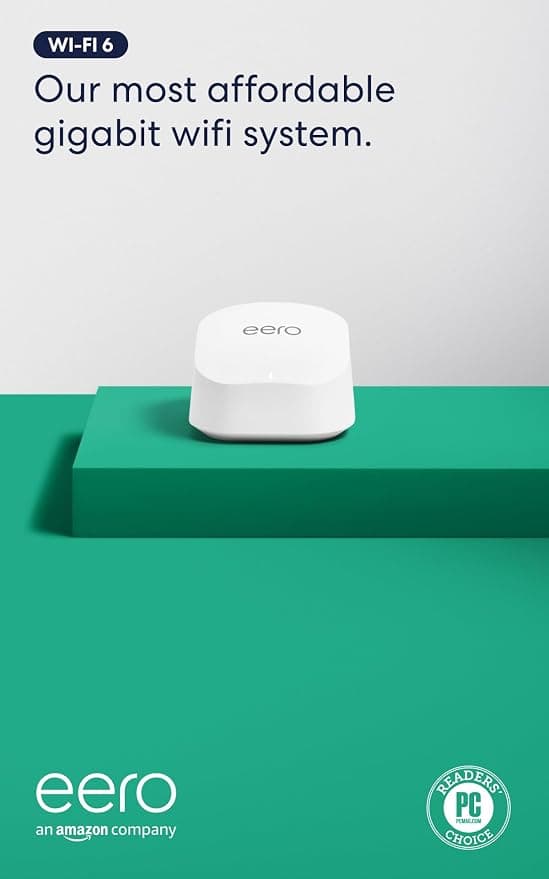
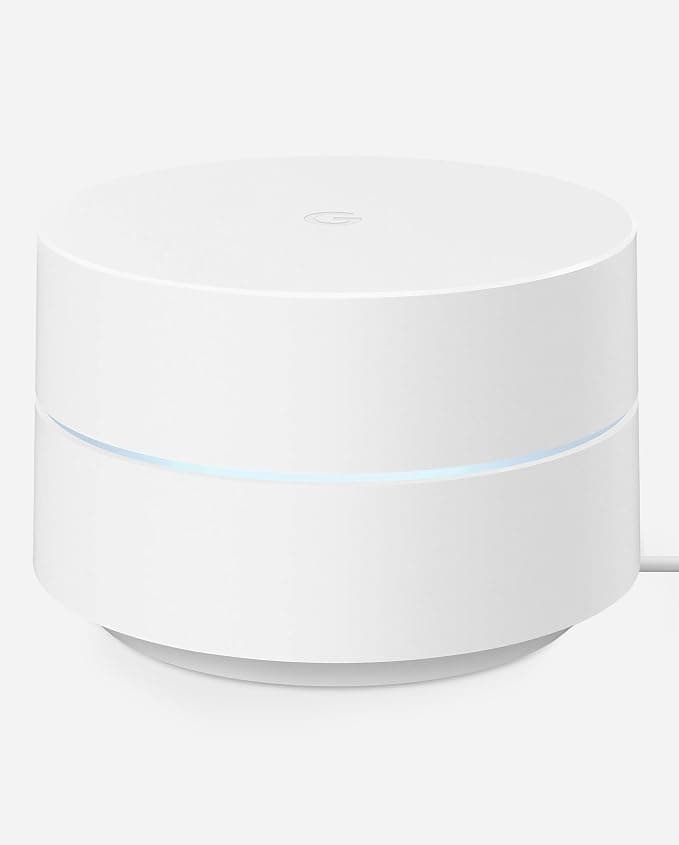
The dead zone in the back bedroom, the video call that freezes every time someone microwaves popcorn, the smart-home devices that drop offline for no obvious reason — a single router pushing signal from one corner of the house is the root cause of most of it, and a mesh system is the fix that actually works rather than the range extender that mostly doesn't. Mesh systems place multiple nodes throughout the home that work together as one network, handing your devices off seamlessly as you move from room to room instead of forcing you to reconnect to a different network name.
Wi-Fi standard is the first spec worth understanding, because it sets the ceiling on real-world speed and how well the system handles a house full of devices. Wi-Fi 6 systems, like the TP-Link Deco X55 and Deco X15, are the mainstream sweet spot today — fast enough for nearly every home, with mature hardware and lower prices than the newest standard. Wi-Fi 6E adds a dedicated 6 GHz band that newer devices can use, and models like the TP-Link Deco XE75 Pro use that extra band specifically as backhaul, keeping node-to-node traffic off the bands your phones and laptops are using. Wi-Fi 7, found on the newest eero 7 and NETGEAR Orbi systems, pushes speed and capacity further still, though most home internet plans won't fully saturate it yet — it's more about future-proofing than an immediate necessity.
Coverage area and node count decide how much house you can actually blanket. Every kit lists a rated square footage, but that number assumes reasonably open floor plans — thick walls, multiple floors, or unusual layouts will shrink real-world coverage, so it's worth sizing up rather than buying exactly to your home's square footage. A 3-pack system covers meaningfully more than a single unit and is the standard configuration for most 2,000-plus square foot homes; smaller apartments or single-floor homes can often get away with just one or two nodes.
Backhaul, the connection nodes use to talk to each other, matters more than most buyers realize. Wireless backhaul is simpler to set up but eats into the bandwidth available for your actual devices, while wired Ethernet backhaul between nodes — supported by most systems here — delivers meaningfully better performance if you're willing to run a cable. Device capacity is worth checking too if your home is full of smart plugs, cameras, and other IoT gadgets, since some entry-level systems cap out well before a heavily connected smart home does.
The mistake buyers make most often is chasing the newest Wi-Fi standard without checking whether their internet plan and devices can actually use it — a Wi-Fi 7 system paired with a 300 Mbps internet plan and five-year-old phones won't outperform a well-placed Wi-Fi 6 system in any way you'd notice day to day. The second common mistake is buying a single-node system for a multi-story home and being surprised when the top floor still has weak signal; mesh systems earn their name by using multiple nodes, and a lone router is really just a router with better marketing.
We scored every system here on a weighted composite of customer ratings, review volume, price-to-coverage value, and how richly equipped each one is relative to the rest of the field. Budget-friendly systems score well when they deliver reliable whole-home coverage without excess; premium picks earn their place with Wi-Fi 7 speeds, tri-band architecture, or genuinely massive square footage ratings. Below, we break down all eleven, starting with the pick that balanced coverage, speed, and value best across the board.