You're tired of lugging around a heavy laptop that barely makes it through a workday, or maybe you need something reliable for your student without the complexity of Windows. Chromebooks have evolved far beyond basic web browsing machines — they're now capable productivity tools that can handle everything from video calls to document editing while delivering exceptional battery life.
The challenge? With dozens of models flooding the market, picking the right Chromebook means understanding what actually matters for your specific needs.
Processor: The Performance Foundation
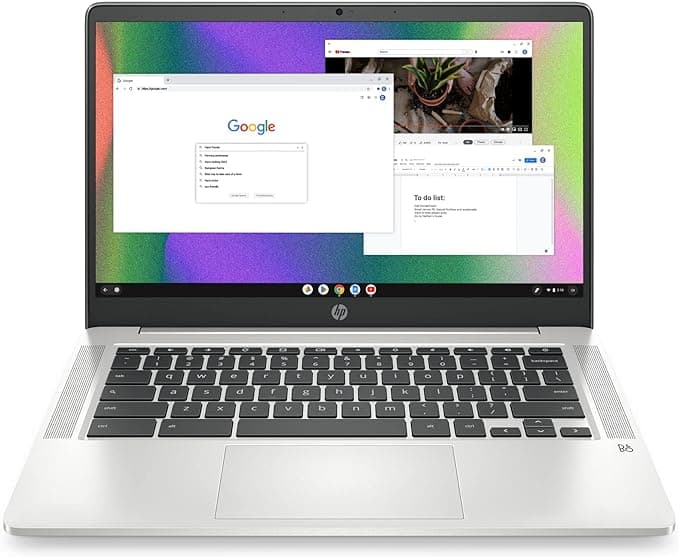
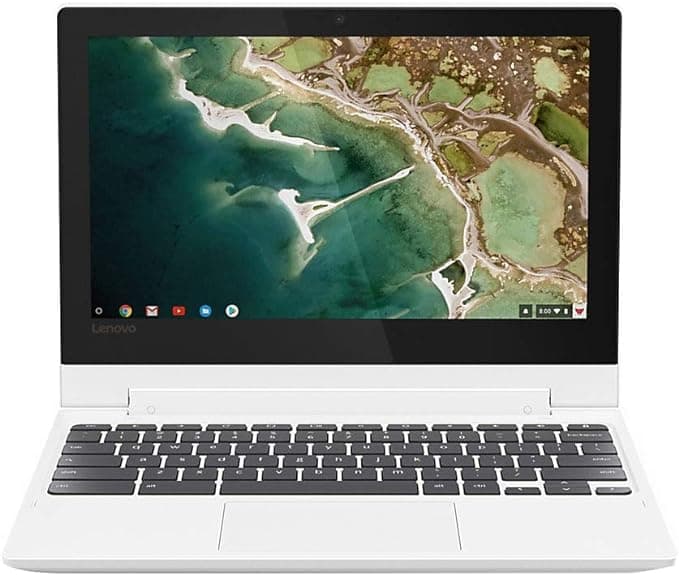
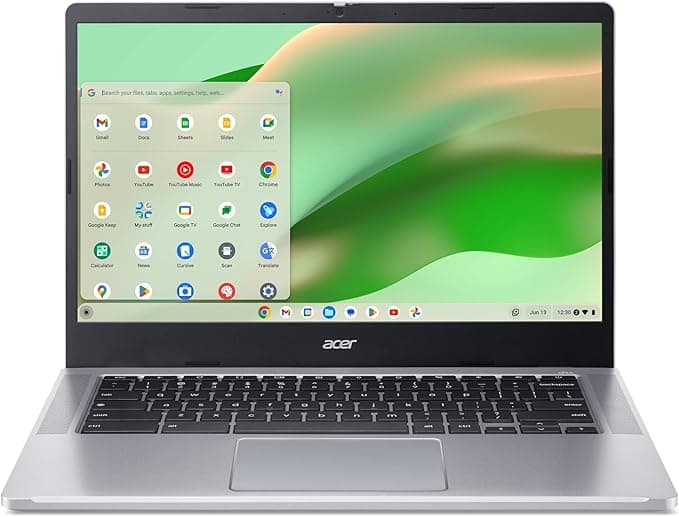
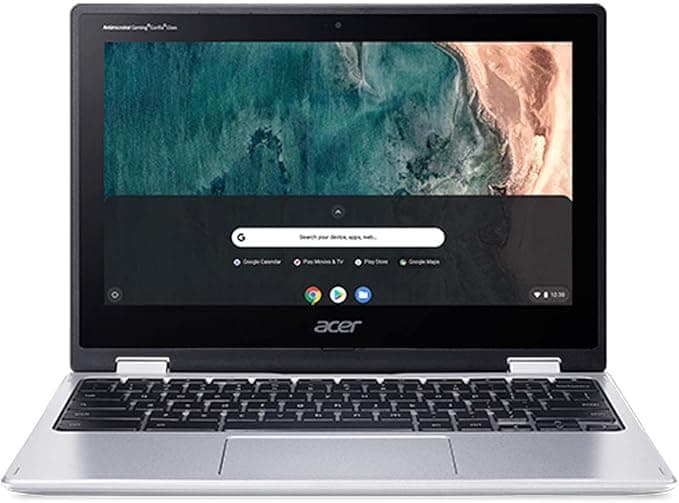
Don't get caught up in processor names — focus on real-world performance. Intel Celeron chips like those in the HP Chromebook 14 and Acer Chromebook Spin 311 handle everyday tasks smoothly, while newer Intel N-series processors offer better efficiency. MediaTek processors, found in models like the Lenovo Chromebook C330, provide solid performance at budget-friendly price points. The key is matching the processor to your workload intensity.
RAM: More Than You Think You Need
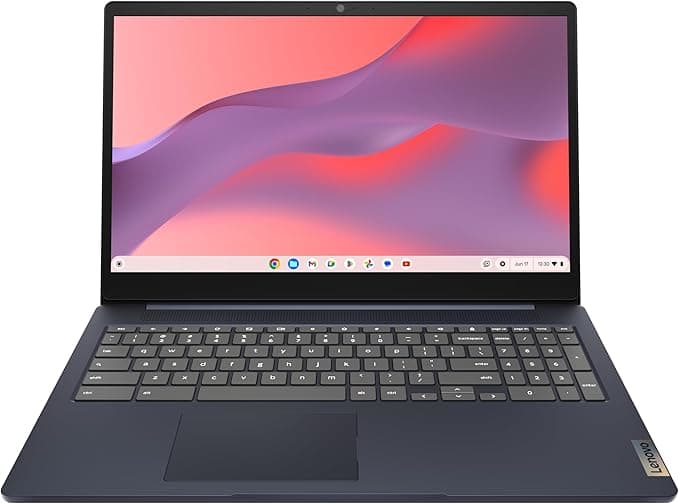
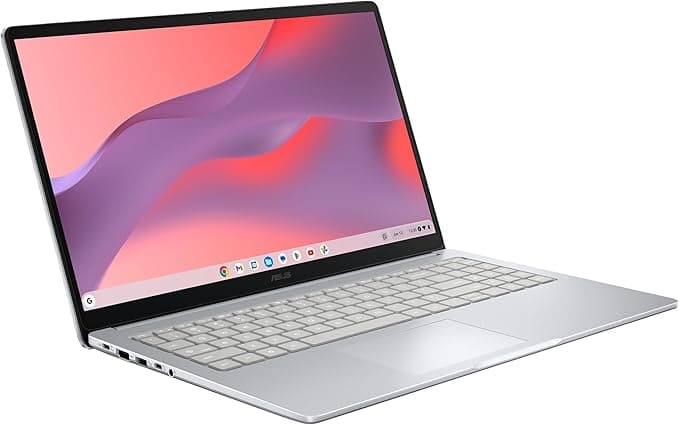
Here's where many buyers make their biggest mistake: skimping on RAM. While 4GB might seem adequate, ChromeOS increasingly benefits from 8GB, especially if you're a tab-heavy user or run Android apps. The Lenovo IdeaPad 3i Chromebook and ASUS Chromebook CX15 both offer 8GB configurations that provide noticeably smoother multitasking compared to their 4GB counterparts.
Storage: Speed Versus Space
You'll encounter two main storage types: eMMC and SSD. Most Chromebooks use eMMC storage, which is slower but more affordable. Don't worry too much about capacity — 64GB handles most users comfortably since ChromeOS stores files in the cloud. However, if you plan to download lots of Android apps or store media locally, look for models with expandable storage options.
Display and Form Factor: Your Daily Experience
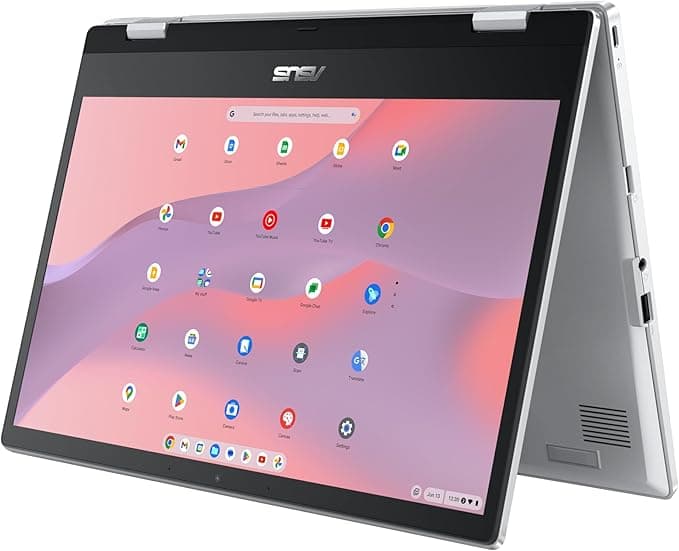
Screen size dramatically affects portability and usability. 11.6-inch models like the Lenovo Chromebook C330 excel at portability, while 15.6-inch options provide more screen real estate for productivity. Consider whether you want a traditional clamshell design or a 2-in-1 convertible that doubles as a tablet — convertibles add versatility but typically cost more.
Auto Update Expiration: The Hidden Factor
Many buyers overlook Auto Update Expiration (AUE) dates, but this determines how long your Chromebook receives security updates and new features. Newer models naturally have longer support windows, making them better long-term investments even if they cost slightly more upfront.
Common Pitfalls to Avoid
Don't assume all Chromebooks are underpowered — newer models handle demanding tasks surprisingly well. Also, resist the urge to buy based solely on price; a slightly more expensive model with 8GB of RAM often provides significantly better long-term value than a 4GB budget option.
Our Evaluation Process
We've evaluated each Chromebook using a weighted composite score that factors in user ratings, value proposition, review volume, feature completeness, and product recency. This approach ensures you're seeing models that deliver real-world satisfaction, not just impressive spec sheets.
Below, you'll find our top-ranked Chromebooks for 2026, each excelling in different areas to match various needs and budgets.