Best Computer Dongles 2026: Expand Your Laptop's Potential
Your shiny new laptop looks great, but where are all the ports? If you're tired of choosing between charging your laptop and plugging in a USB drive, or if you need to connect to an external monitor but only have USB-C ports, you're not alone. Modern laptops have embraced minimalism at the expense of connectivity, making a quality dongle essential for anyone who needs more than basic functionality.
What Makes a Great Computer Dongle
Port Selection Matters Most
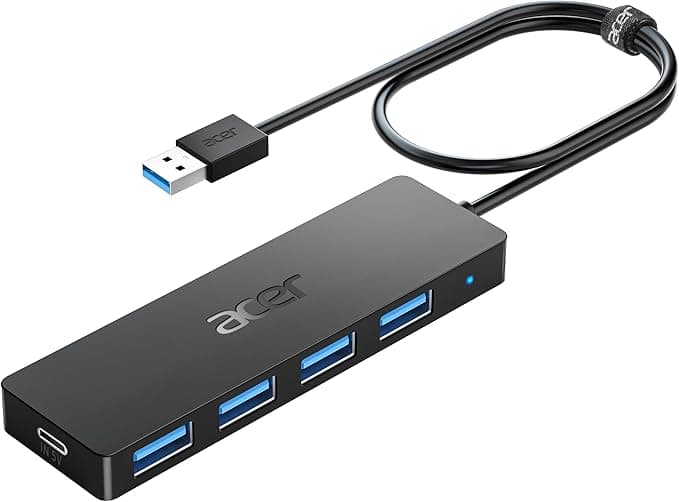
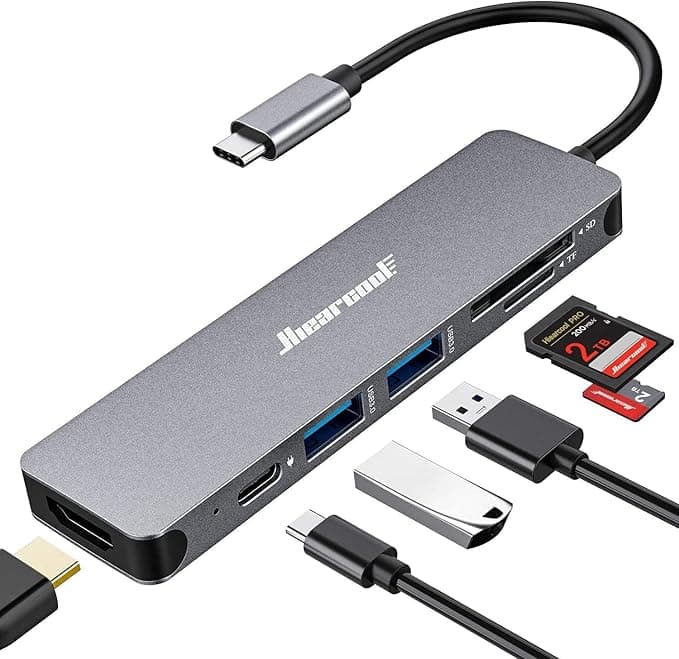
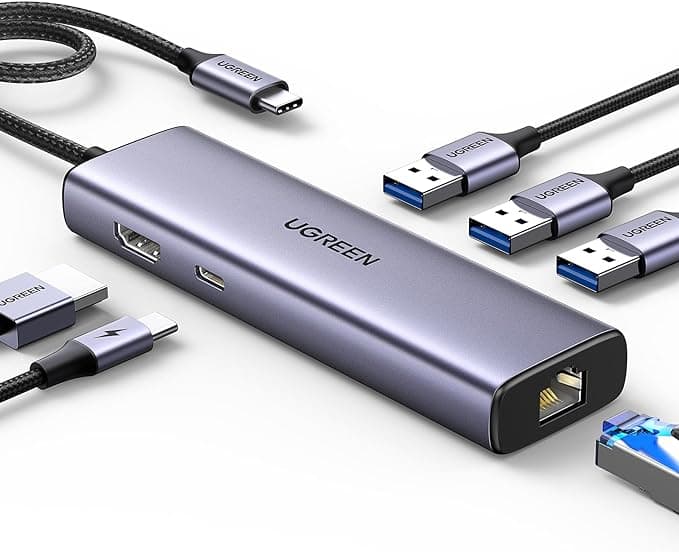
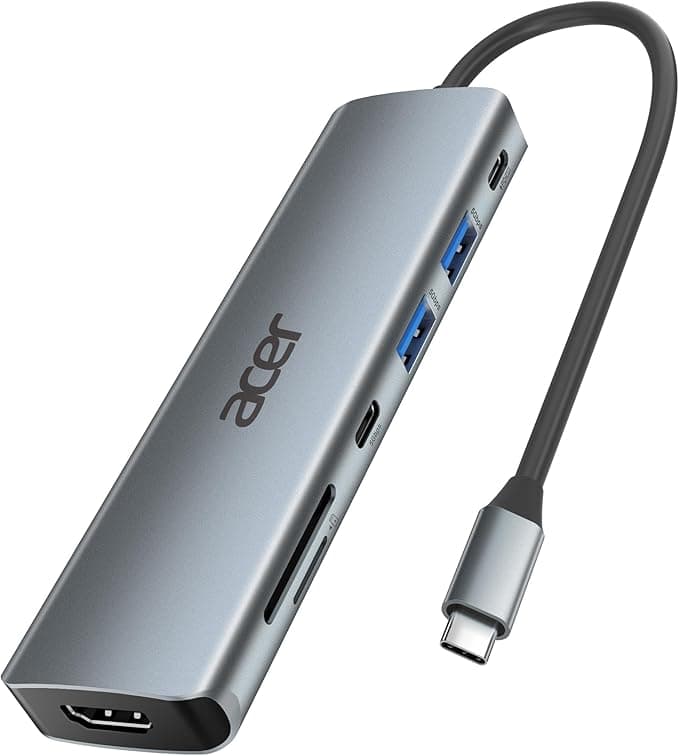
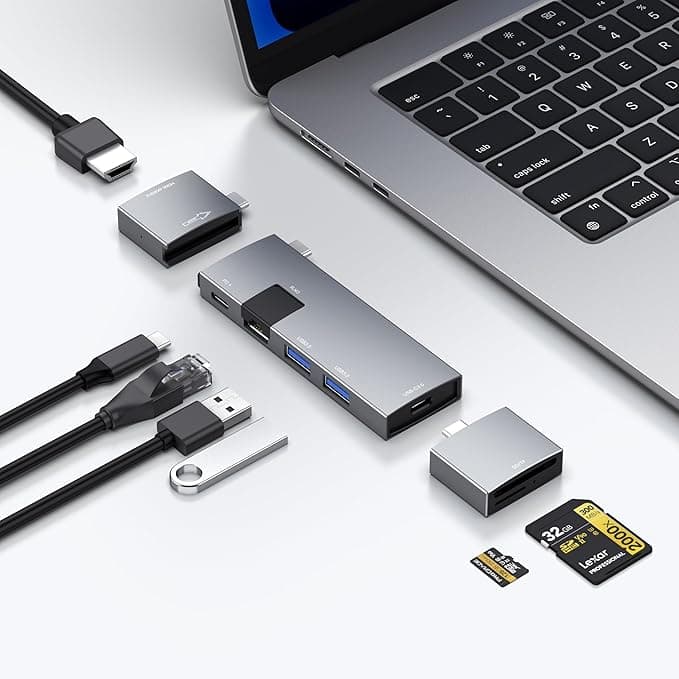
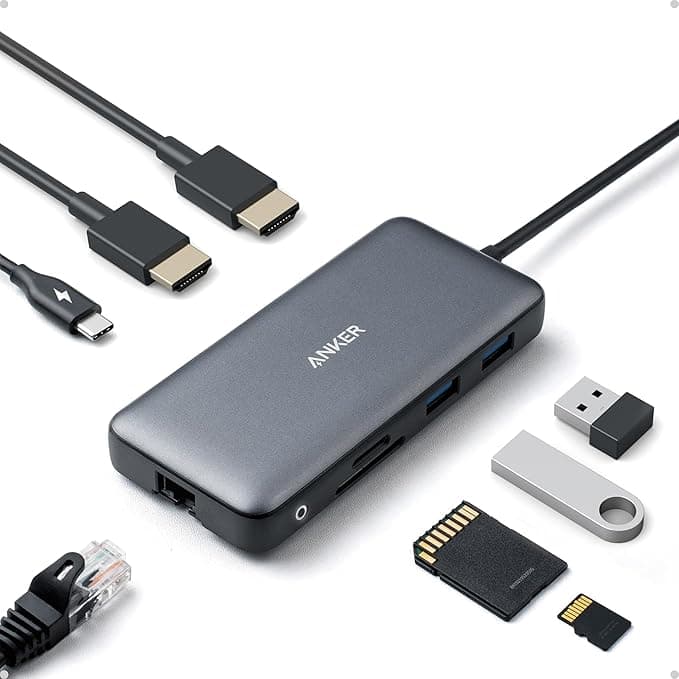
Think about your daily workflow before buying. The Acer USB Hub 4 Ports focuses purely on USB-A expansion for those who just need more standard USB connections, while models like the Hiearcool USB C Hub pack seven different port types including SD card readers. HDMI output is crucial if you present or use external monitors, and Ethernet connectivity (found in options like the UGREEN Revodok 6 in 1) remains essential for stable internet in office environments.
Power Delivery Capacity
Not all USB-C power delivery is created equal. Many dongles support 100W power delivery, which handles most laptops, but cheaper options might cap at 60W. If you're using a power-hungry laptop or want to charge quickly, verify the wattage matches your needs. The power delivery port usually doubles as a data port, so you're not sacrificing connectivity for charging.
Display Output Quality
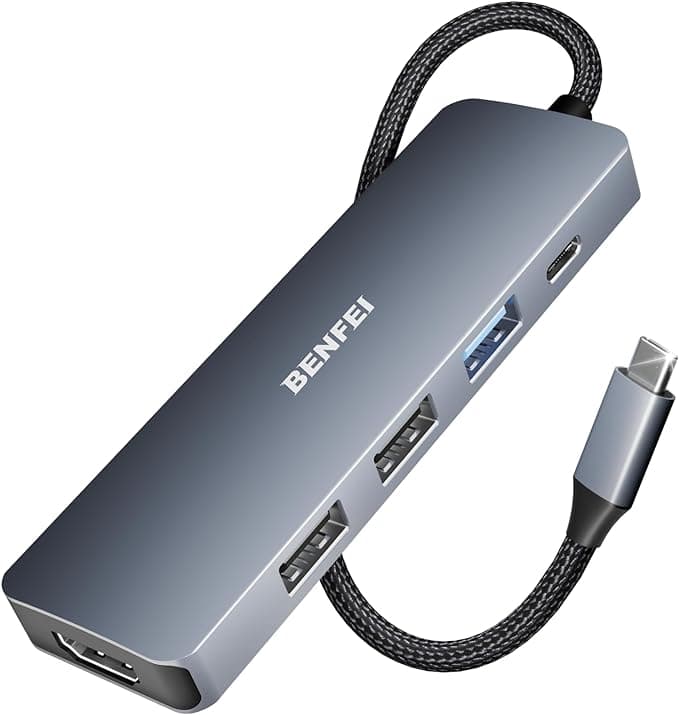
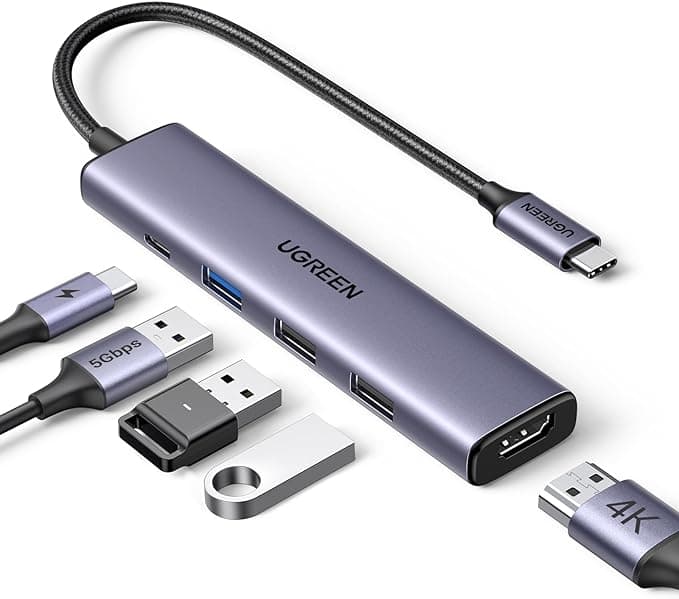
4K HDMI support is standard in 2026, but implementation varies. Some dongles struggle with 4K at 60Hz, leading to stuttery video or compatibility issues with high-resolution monitors. The UGREEN USB C Hub 5 in 1 and BENFEI USB C Hub both emphasize certified 4K HDMI performance, which matters if visual quality is important to your work.
Build Quality and Heat Management
Aluminum construction isn't just about looks—it helps dissipate heat during heavy data transfers or when passing through significant power. Plastic dongles can get uncomfortably hot and may throttle performance. Cable length also affects usability; a short tethered cable forces the dongle to dangle awkwardly from your laptop, while longer cables provide flexibility but can look messy.
Compatibility Across Devices
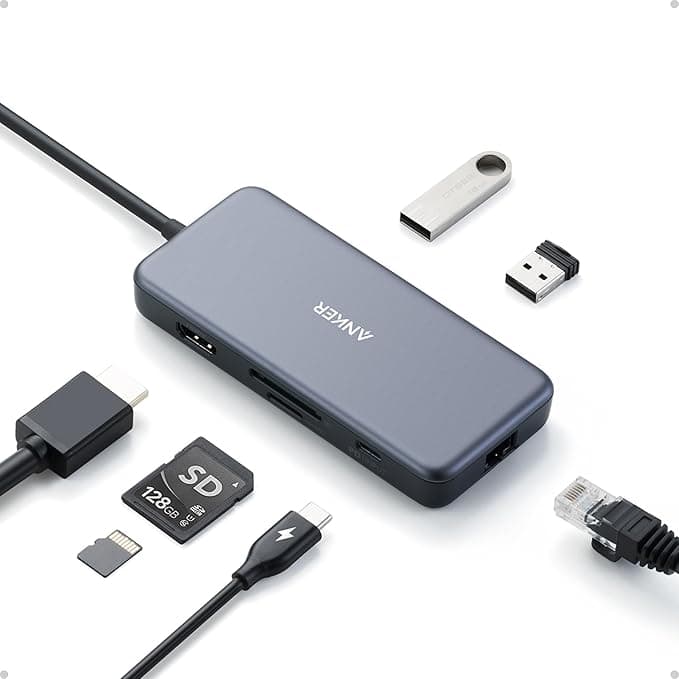
Don't assume every dongle works perfectly with every device. MacBook users should prioritize dongles with proven Mac compatibility, while iPad Pro users need dongles that support the specific power and data requirements of iPadOS. The Anker Laptop Docking Station targets specific laptop models, which often means better optimization but potentially narrower compatibility.
Common Buying Mistakes
Many buyers focus solely on port count, ignoring data transfer speeds. A dongle with USB 2.0 ports will bottleneck file transfers, even if it has six USB connections. Others assume all USB-C dongles work identically—Thunderbolt 4 support, power delivery rates, and HDMI versions create meaningful performance differences.
How We Evaluate Dongles
Our rankings combine user ratings, feature completeness, build quality assessments, compatibility testing, and current market value. We weight reliability heavily since a dongle failure can disrupt your entire workflow, while also considering the practical needs of different user types—from basic port expansion to full workstation replacement.
The dongles below represent the best options across different price points and use cases, each excelling in specific scenarios while maintaining solid overall performance.