Whether you're a digital artist looking to upgrade from finger-drawing on your phone or a traditional artist making the leap to digital, choosing your first (or next) drawing tablet can feel overwhelming. The good news? The technology has matured significantly in 2026, offering incredible value even at budget price points.
Key Features That Actually Matter
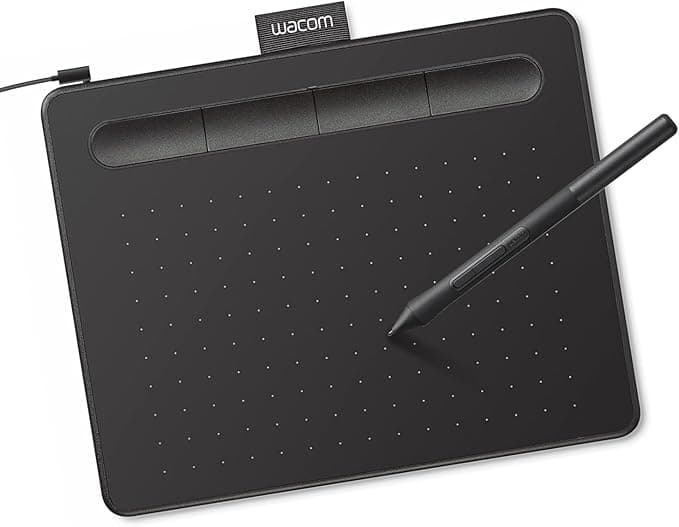
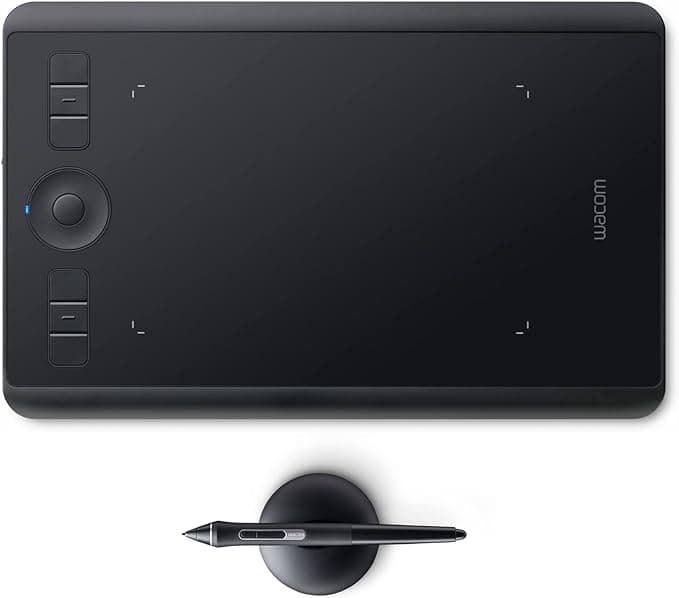
Pressure Sensitivity Levels determine how naturally your digital brush responds to your hand pressure. While manufacturers love touting 8192 levels over 4096, the difference is subtle in practice. Most artists find 4096 levels perfectly adequate for professional work. The Wacom Intuos Small Graphics Drawing Tablet proves this point — it delivers smooth, responsive drawing despite having fewer pressure levels than some competitors.
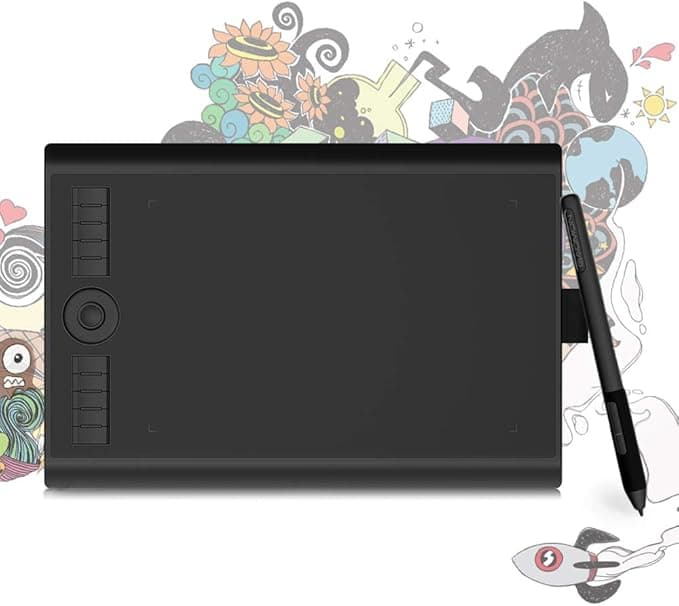
Active Drawing Area is where size truly matters. A cramped 4x3 inch surface forces you to zoom in constantly and makes broad strokes nearly impossible. Look for at least 6x4 inches for comfortable drawing. The GAOMON M10K PRO offers a generous 10x6.25 inch workspace that lets you work more naturally without constant panning.
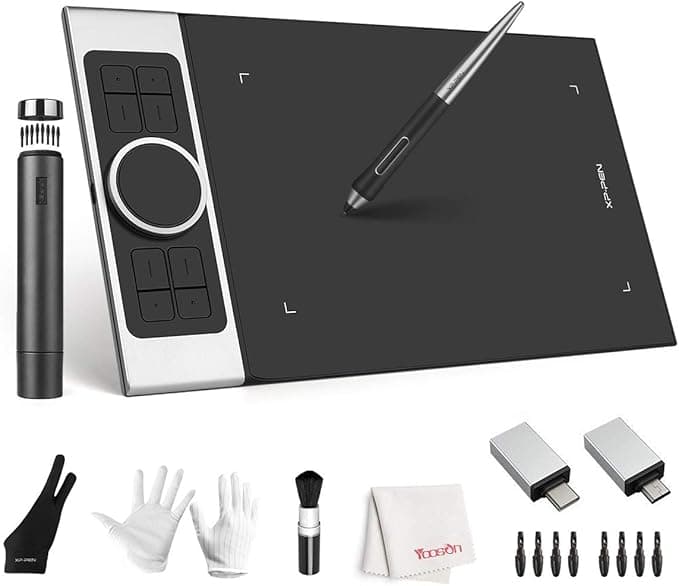
Pen Tilt Support might seem like a nice-to-have, but it's crucial for natural shading and brush behavior. When your pen tilts, it should register both the angle and direction, just like a real pencil. This feature separates serious drawing tablets from basic input devices. The XP PEN Deco Pro Medium excels here with accurate tilt recognition that translates beautifully in programs like Photoshop and Clip Studio Paint.
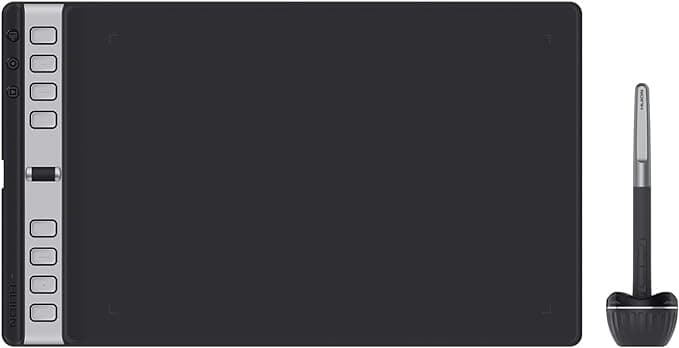
Express Keys and Shortcuts can dramatically speed up your workflow once you build muscle memory. Having dedicated buttons for undo, brush size, and layer switching keeps your non-drawing hand busy and your eyes on your art. The HUION Inspiroy 2 Large Drawing Tablet includes both customizable keys and a scroll wheel, giving you multiple ways to control your software without reaching for the keyboard.
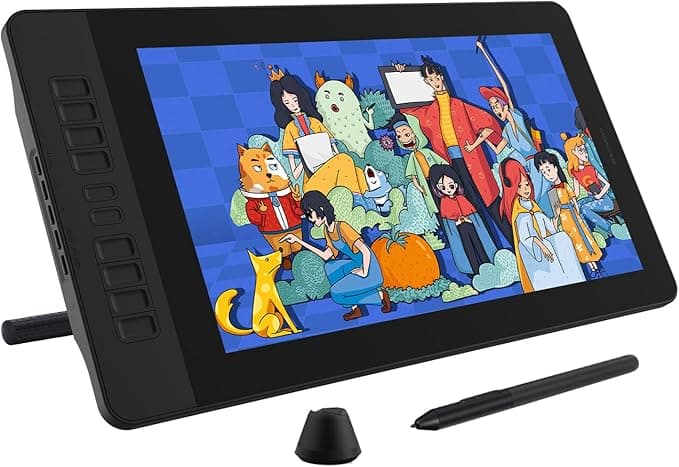
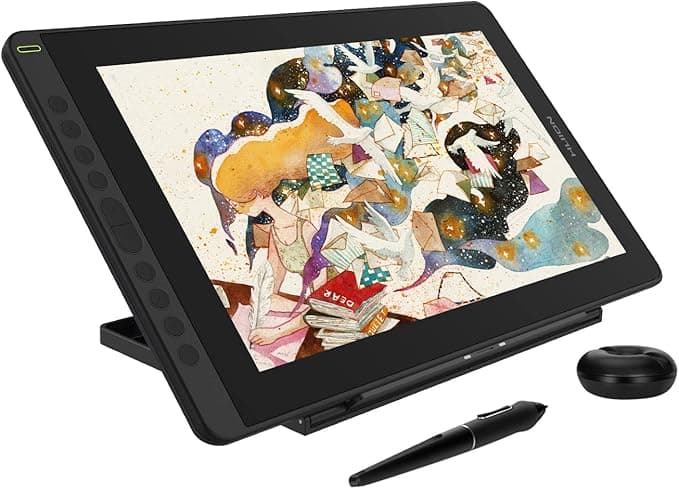
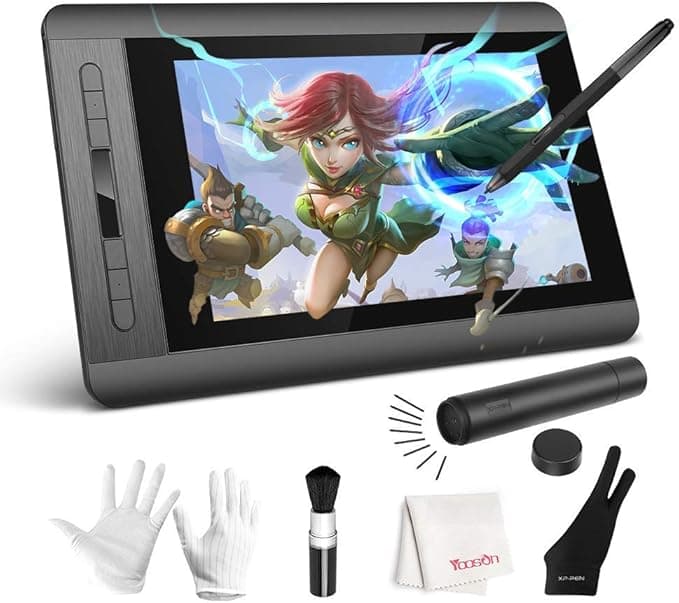
Display Integration splits the market into two camps: traditional tablets that require looking at your monitor, and pen displays that let you draw directly on the screen. Display tablets like the GAOMON PD1561 feel more natural but cost significantly more and require desk space for the larger footprint.
Common Buying Mistakes
Many first-time buyers obsess over pressure levels while ignoring driver quality. A tablet with mediocre software support will frustrate you daily, regardless of its impressive specs. Similarly, don't assume wireless connectivity is always better — USB connections often provide more stable performance for intensive drawing sessions.
Another trap: buying too small to save money. A tiny drawing surface might seem adequate initially, but you'll quickly outgrow it as your skills develop.
Our Evaluation Process
We scored each tablet using a weighted composite methodology that factors in user ratings, feature completeness, build quality, software compatibility, and long-term value. This approach identifies tablets that deliver real-world performance, not just impressive specification sheets.
From budget-friendly options perfect for beginners to professional-grade tablets that can handle the most demanding illustration work, our rankings below will help you find the right balance of features, quality, and price for your specific needs.