Grandparents don't check Instagram, and the photos that matter most — a first day of school, a grandkid's birthday cake, a family reunion — often live and die in someone's phone camera roll, never seen by the people who'd treasure them most. A digital photo frame closes that gap: family members send photos straight to the frame from anywhere, and it just displays them, no social media account or tech literacy required on the receiving end.
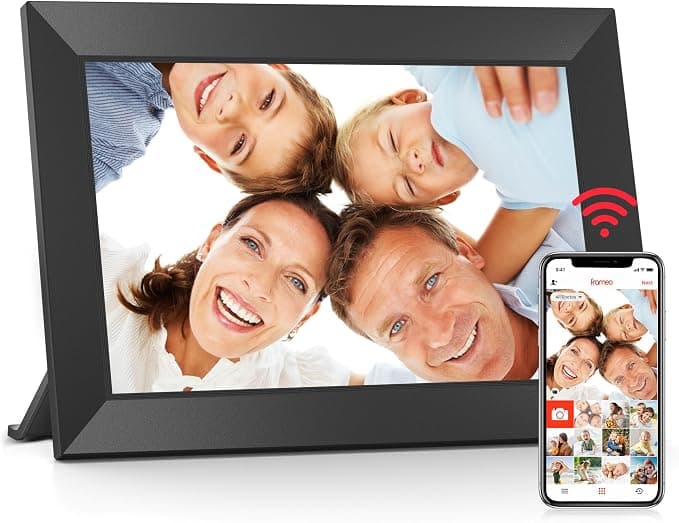
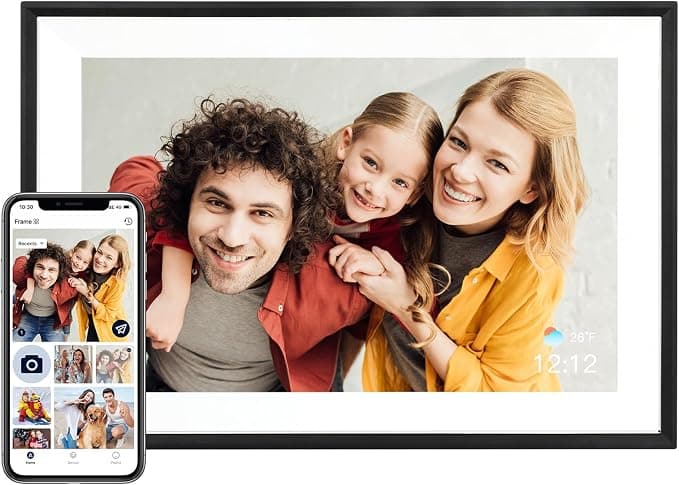
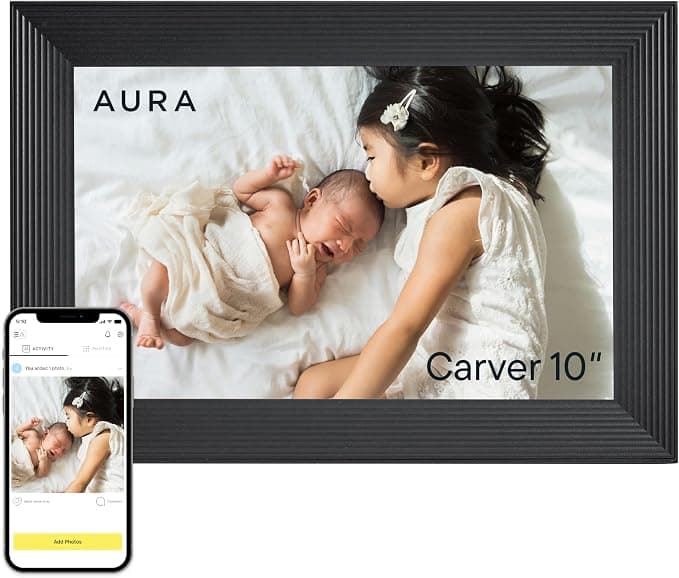
App quality is the single most important factor, because it determines whether this becomes a beloved fixture or a frustrating gadget. Most frames in this category run on the Frameo platform, a free app that's become something of a de facto standard — models like the Dragon Touch 10.1" WiFi Digital Picture Frame and the BIGASUO Digital Picture Frame both use it, which means family members familiar with one Frameo frame can send photos to any other without relearning anything. A few brands, notably Aura and Skylight, run their own proprietary apps with extra polish and features, generally at a higher price.
Setup ease deserves real attention if the frame is going to a non-technical recipient. Look for frames that connect to Wi-Fi and pair with the app in just a few steps, since a complicated setup often means the frame sits in a box rather than on a shelf. Screen size and resolution matter too — 10.1-inch frames are the standard size for a nightstand or shelf, while 15.6-inch models like the Pixedge 15.6 Inch Smart WiFi Digital Picture Frame work better as a genuine wall-mounted centerpiece. Touch screen controls make day-to-day adjustments easier than button-only interfaces, especially for older users.
Storage capacity and video support round out the practical considerations. Built-in storage in the 16GB to 64GB range translates to tens of thousands of photos, more than most families will ever fill, and most frames also play short video clips with sound — a real upgrade over static images for capturing a kid's laugh or a pet's antics. Auto-rotate is worth checking for too, since it automatically switches between portrait and landscape display depending on how each photo was taken, so nothing gets awkwardly cropped.
The mistake buyers make most often is assuming a cheaper frame with a proprietary app saves money, when in practice a well-supported free app like Frameo often delivers a smoother experience than a lesser-known closed system. The second common mistake is skipping the free-storage question entirely — nearly every frame here avoids subscription fees, but it's worth confirming before buying, since a frame requiring ongoing payment for storage defeats the purpose of a one-time gift.
We scored every frame here on a weighted composite of customer ratings, review volume, price-to-feature value, and how richly equipped each one is relative to the rest of the field. Budget-friendly Frameo-based frames score well for reliable core sharing without excess; premium picks like Aura and Skylight earn their place with proprietary apps, gift-ready packaging, and extra polish. Below, we break down all eleven, starting with the pick that balanced app quality, screen size, and value best across the board.