Best Monitor Light Bars 2026: Banish Eye Strain Without Screen Glare
If you're squinting at your screen after dark or dealing with headaches from poor workspace lighting, a monitor light bar might be the upgrade you didn't know you needed. These clever devices clip onto your monitor's top edge and cast asymmetric light down onto your keyboard and desk — eliminating the harsh shadows and eye strain that come from working in a dimly lit room, all without bouncing annoying glare back into your screen.
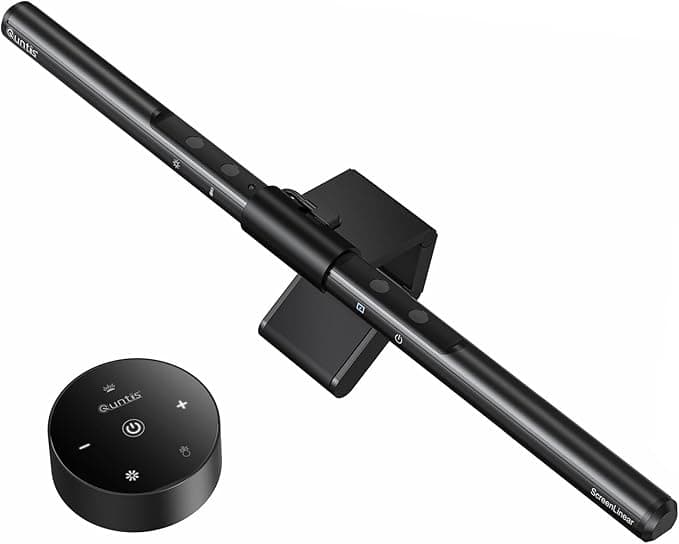
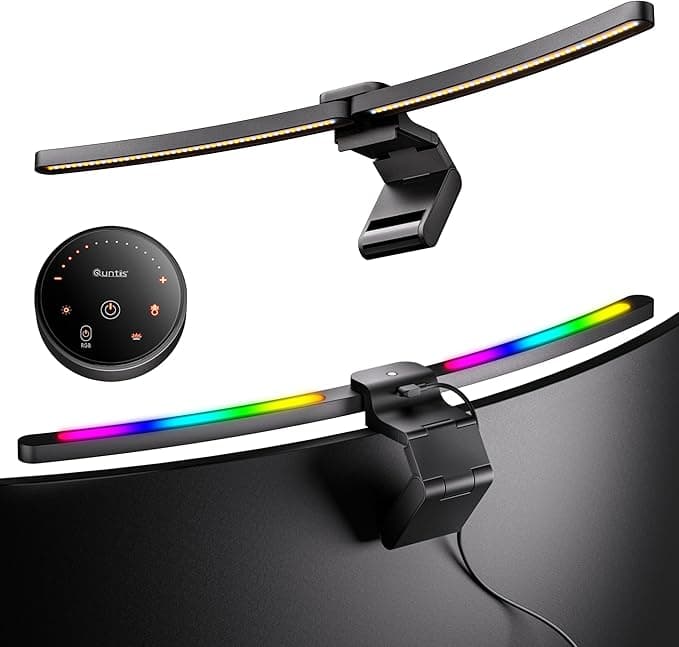
The key to a good monitor light bar is asymmetric illumination — the light should shine forward and down onto your workspace, not back toward your face. Models like the Quntis Computer Monitor Lamp with Auto-Dimming and Touch Control nail this design principle, while cheaper knockoffs often flood your screen with unwanted reflections.
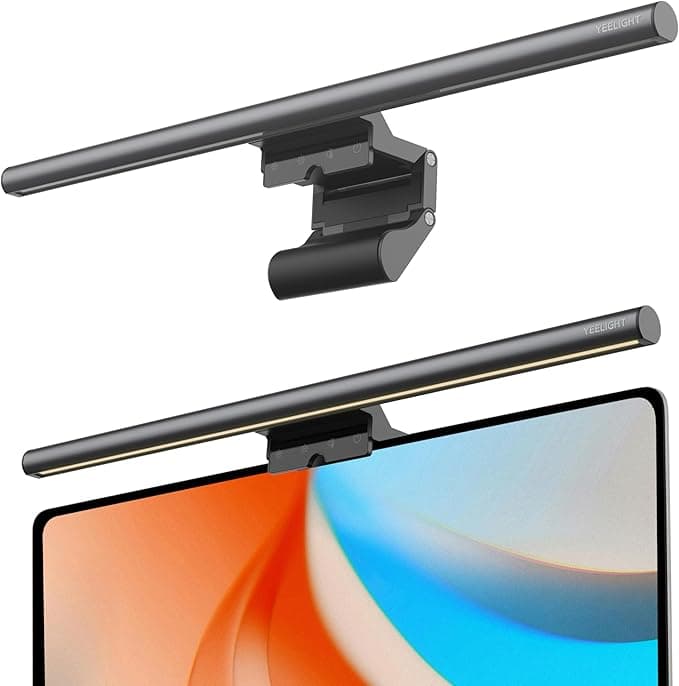
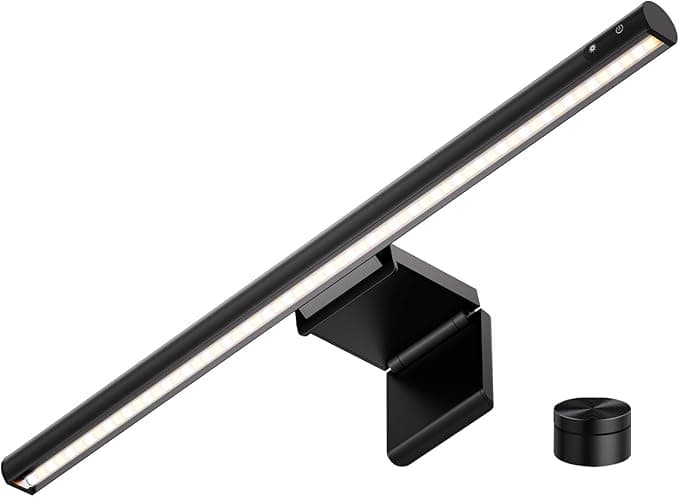
Color temperature flexibility is your second priority. Look for bars that adjust from warm 2700K (think cozy sunset) to cool 6500K (bright daylight). This range lets you match your lighting to the time of day or your personal preference. Most quality options, including the budget-friendly YEELIGHT Monitor Light Bar, offer stepless dimming across this full spectrum.
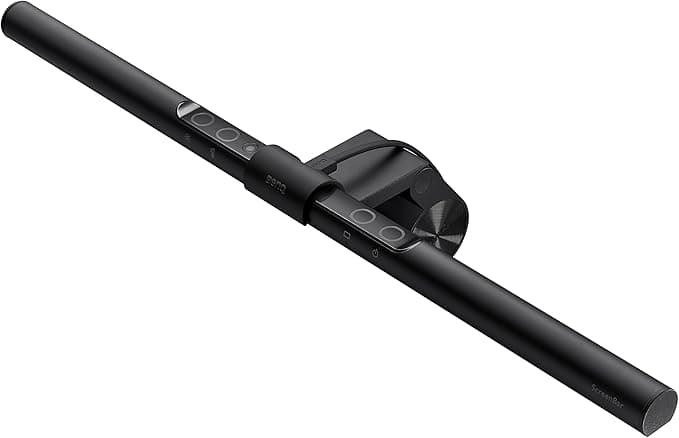
Auto-dimming via ambient light sensor represents the premium tier of features. Instead of manually adjusting brightness throughout the day, these smart bars automatically adapt to your room's lighting conditions. While BenQ pioneered this technology, more affordable options like the Quntis Computer Monitor Lamp now include similar sensors at a fraction of the cost.
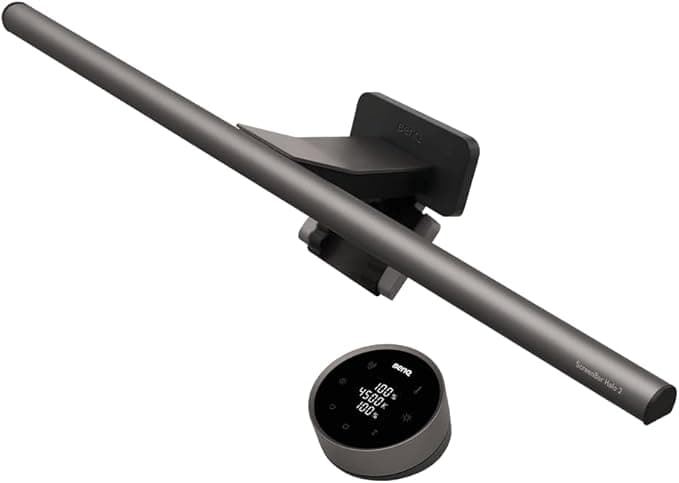
Don't overlook monitor compatibility — especially if you have a curved display. Standard clips work fine for flat monitors up to about 1.2 inches thick, but curved screens need specialized mounting hardware. The Quntis Curved Monitor Light Bar specifically targets ultrawide curved displays, while models like the BenQ ScreenBar Halo 2 include both flat and curved mounting options.
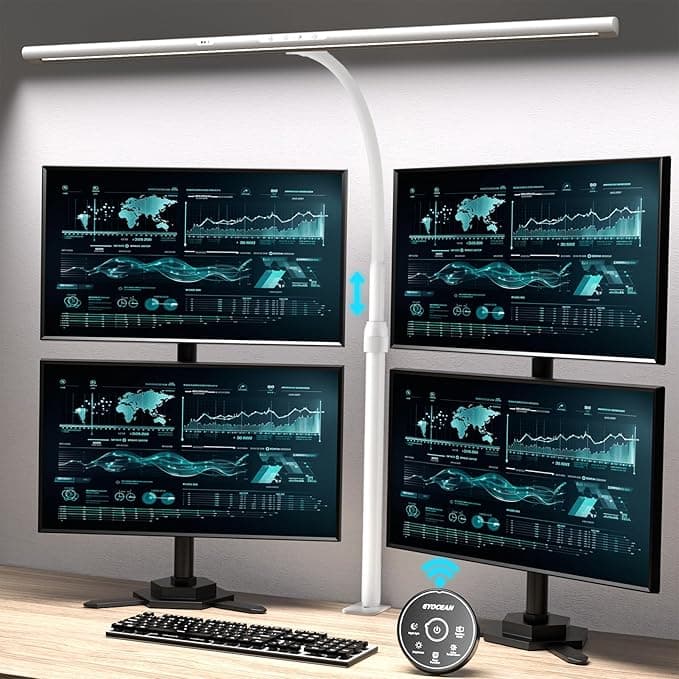
Control method matters more than you might think. Basic touch controls on the bar itself work fine for most people, but if your monitor sits deep on your desk, reaching those buttons becomes annoying. Wireless remote controls or dial controllers offer more convenient adjustment from your seated position.
Many buyers make the mistake of choosing based on brightness alone, but excessive brightness can be just as problematic as insufficient light. The sweet spot for desk illumination falls between 300-500 lux — enough to clearly see your keyboard and documents without creating harsh contrasts with your screen.
Another common oversight is ignoring backlighting features. Some models like the LYMAX Monitor Light Bar include RGB bias lighting that reduces eye strain by providing gentle illumination behind your monitor, creating a more balanced visual environment.
We evaluated monitor light bars using a weighted composite scoring system that considers user ratings, value proposition, review volume, and feature completeness. This approach helps identify products that deliver real-world performance at their respective price points, whether you're seeking premium features or budget-friendly functionality.
Below, you'll find our top-ranked monitor light bars for 2026, spanning from competitively priced options that punch above their weight to premium models with wireless controls and advanced sensors.