Best Desktop Printers 2026: From Budget Basics to Office Powerhouses
You're tired of trekking to the local print shop every time you need to print boarding passes, tax documents, or that perfect family photo. Whether you're setting up a home office or finally ready to ditch that ancient printer that jams more than it prints, finding the right desktop printer can feel overwhelming with so many options claiming to be "the best."
The good news? Desktop printers have gotten significantly better and more affordable in recent years. The challenge is knowing which features actually matter for your specific needs versus flashy marketing claims.
Print Technology: Inkjet vs. Laser
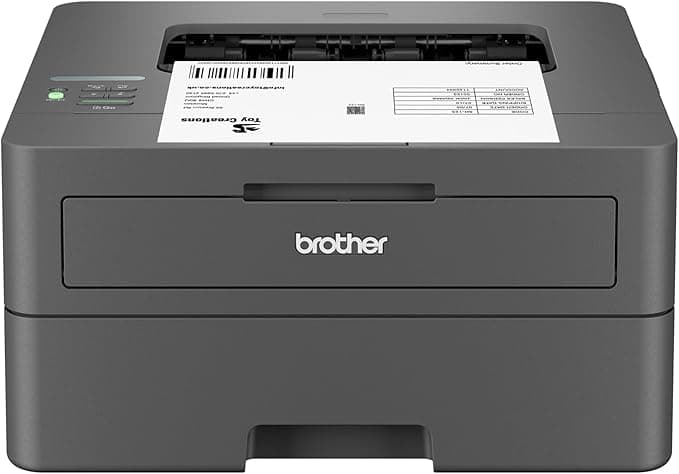
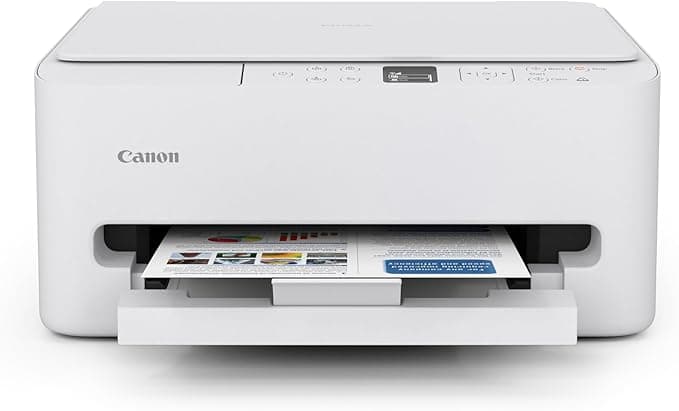
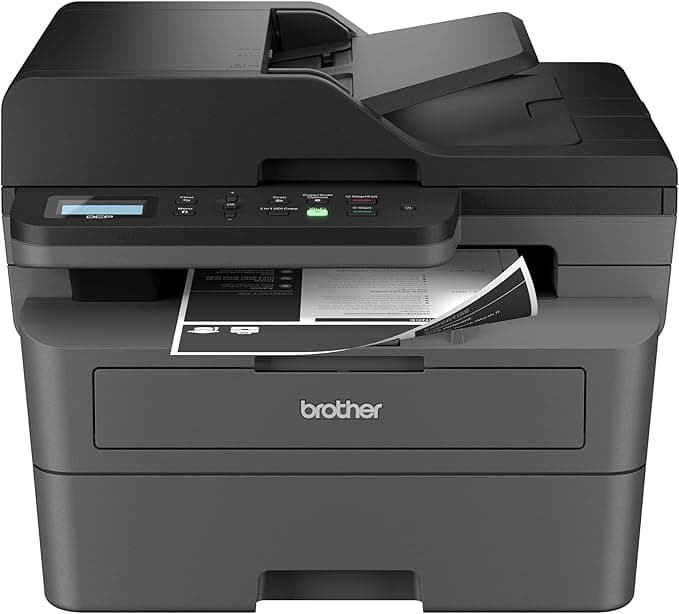
Your first decision is choosing between inkjet and laser technology. Inkjet printers like the Canon PIXMA TS6520 excel at photo printing with vibrant colors and fine detail, making them ideal if you print family photos or marketing materials. Laser printers such as the Brother HL-L2405W dominate text printing with crisp, professional-looking documents and significantly faster speeds—perfect for churning out reports or invoices.
Here's the crucial part most buyers miss: laser printers have much lower per-page costs over time, even though they're pricier upfront. If you print more than 100 pages monthly, laser usually wins on total cost.
Connectivity Options That Actually Matter
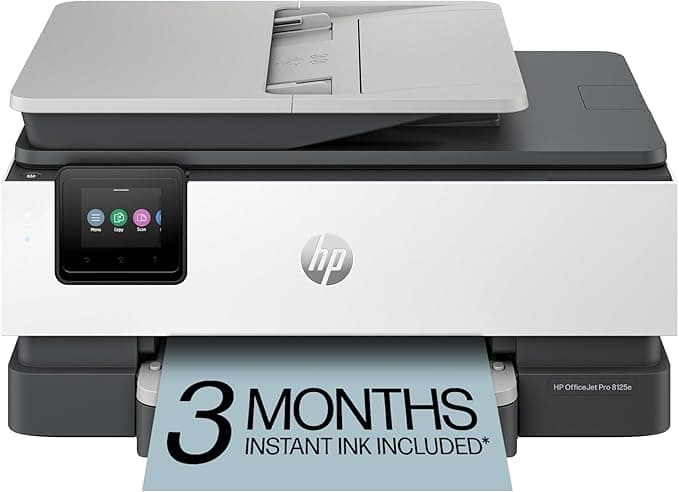
Don't get caught up in connectivity buzzwords. What you really need is reliable wireless printing that works with your devices. Look for Wi-Fi, AirPrint (for Apple devices), and Google Cloud Print support. Models like the HP OfficeJet Pro 8125e offer robust wireless connectivity that actually stays connected, unlike cheaper printers that require constant reconnection.
Ethernet connectivity is worth considering for small offices where multiple people print regularly—it's more stable than Wi-Fi for heavy usage.
All-in-One Features vs. Single-Function
Many buyers automatically assume they need scanning and copying capabilities, but consider your actual usage. If you scan documents monthly rather than weekly, a single-function printer plus smartphone scanning apps might serve you better at a lower cost.
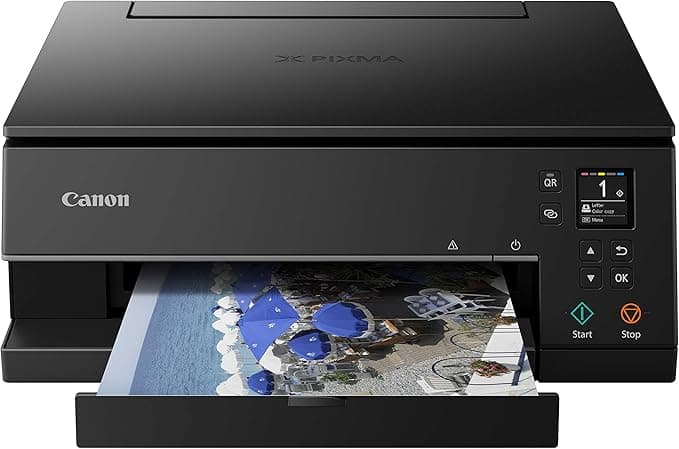
That said, if you do need multifunction capabilities, the Canon PIXMA TS6320 combines excellent print quality with reliable scanning and copying in a compact design.
Ink and Toner Economics
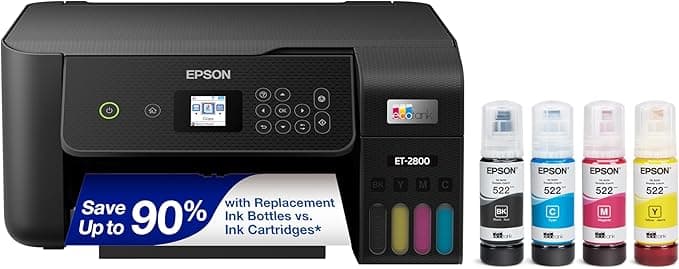
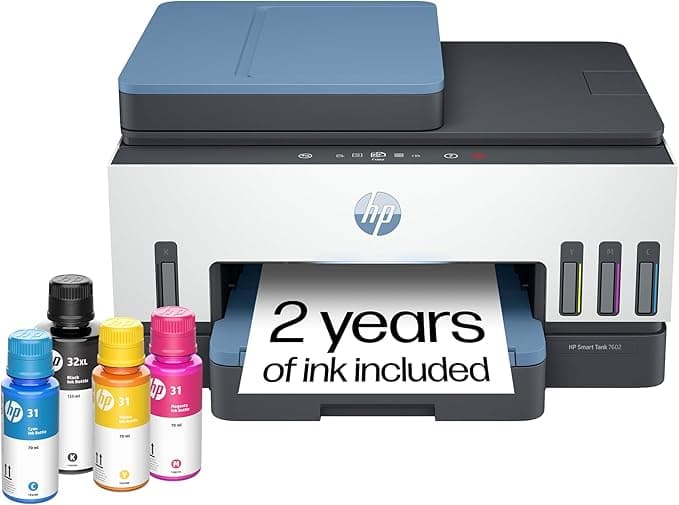
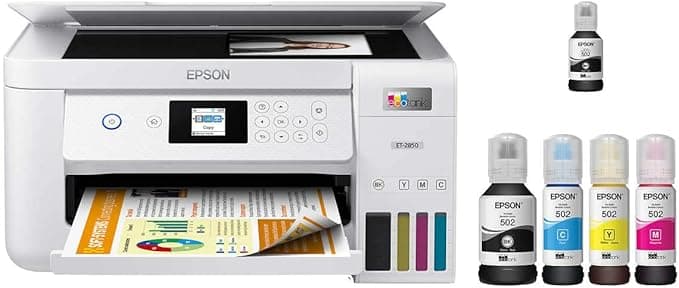
This is where most people get burned. Cheap printers often use expensive ink cartridges—a classic razor-and-blade business model. Tank-style printers like the Epson EcoTank ET-2800 flip this equation with higher upfront costs but dramatically lower per-page expenses. These make sense if you print regularly, but they're overkill for occasional users.
Check the manufacturer's stated page yield and cost per page before buying. Don't just look at cartridge prices—calculate the actual cost per page for both black and color printing.
Speed and Paper Handling
Print speed (measured in pages per minute) matters more than you might think. Waiting five minutes for a 20-page document gets old fast. However, manufacturers often cite "draft mode" speeds that produce barely readable output. Look for normal quality speeds instead.
Paper capacity is equally important. Budget printers often hold only 60-100 sheets, requiring frequent refills. Models with 150+ sheet capacity save time and frustration.
Our rankings below evaluate each printer using a weighted composite of user ratings, feature completeness, value proposition, review volume, and product recency. We've tested these criteria against real-world usage scenarios to identify which desktop printers actually deliver on their promises—and which ones fall short where it matters most.