Best Monitor Arms 2026: Free Your Desk Space and Fix Your Posture
Your neck hurts, your desk is cluttered, and your monitor sits at whatever awkward height your laptop stand or monitor base dictates. Sound familiar? A good monitor arm solves all three problems by lifting your screen off the desk surface and letting you position it exactly where your eyes want it to be.
But here's the thing: buying the wrong monitor arm means dealing with a wobbly screen, limited adjustment range, or worse — a collapsed mount that damages your expensive display. After scoring dozens of options based on build quality, adjustability, value, and real-world performance, we've identified the monitor arms actually worth your money in 2026.
What Actually Matters When Buying a Monitor Arm
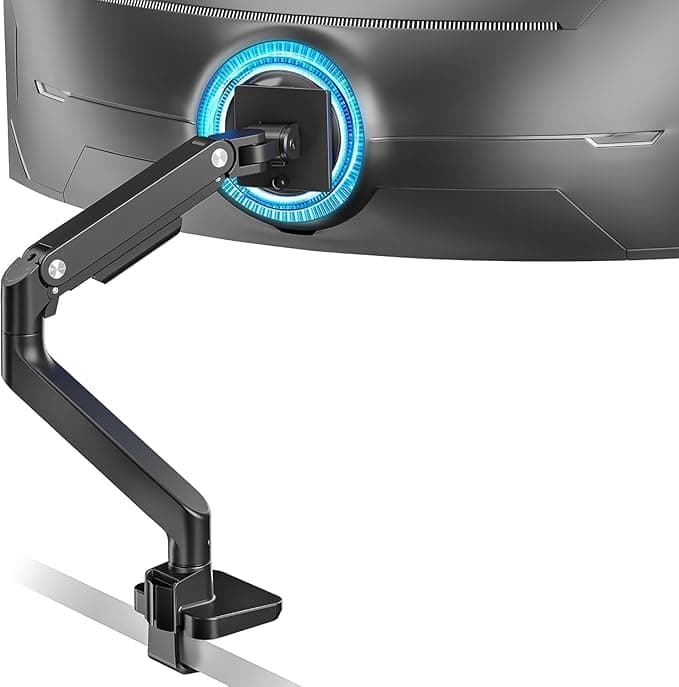
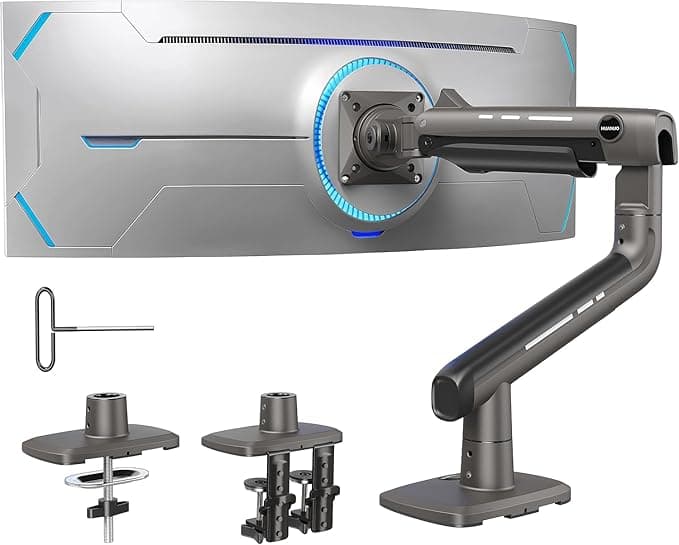
Weight capacity is your starting point. Most consumer arms handle 17-33 pounds, which covers standard monitors up to about 32 inches. But if you're mounting a hefty ultrawide or multiple displays, you need an arm specifically rated for heavier loads. The ARES WING Ultrawide Monitor Arm and HUANUO TitanLift Heavy-Duty Monitor Arm both handle up to 44 pounds — essential for those massive 49-inch curved displays that can weigh 35+ pounds.
VESA compatibility determines if the arm will even fit your monitor. Most displays use 75x75mm or 100x100mm VESA mounting patterns, but always check your monitor's manual. Some ultrawide monitors use larger patterns like 200x100mm, which limits your arm choices.
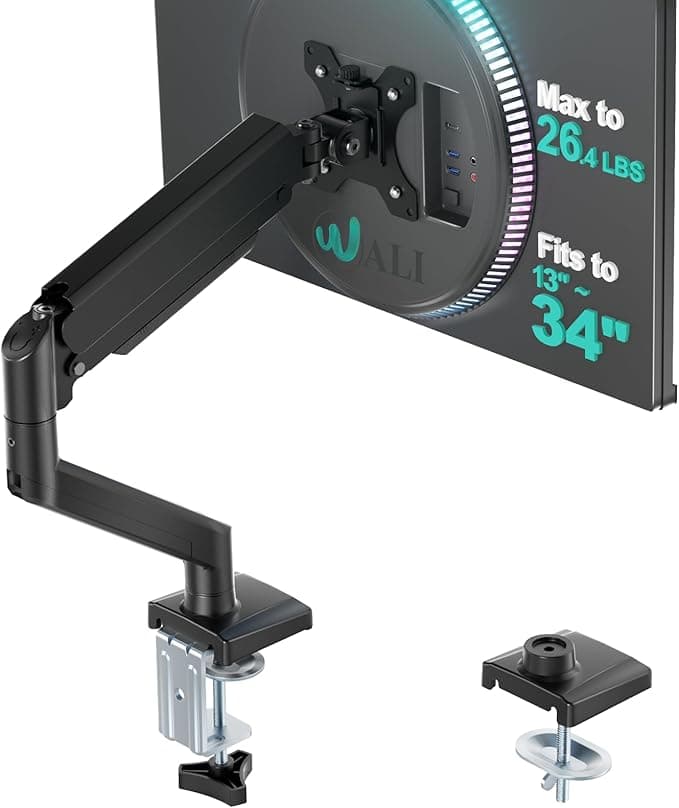
Mount type depends entirely on your desk setup. C-clamp mounts like those on the WALI Single Monitor Mount GSMP001N clip onto desk edges up to about 60mm thick — perfect for most standard desks. Grommet mounts thread through a desk hole, offering a cleaner look but requiring you to drill if your desk lacks a cable management hole.
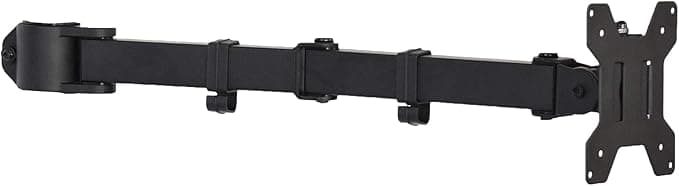
Gas-spring versus mechanical adjustment makes a huge difference in daily use. Gas-spring arms let you effortlessly reposition your monitor throughout the day — crucial if you alternate between sitting and standing. Mechanical arms use bolts and joints that you tighten once and leave alone. For budget-conscious buyers, the VIVO Single Monitor Arm PT-SD-AM01A offers solid mechanical adjustment at a competitive price point.
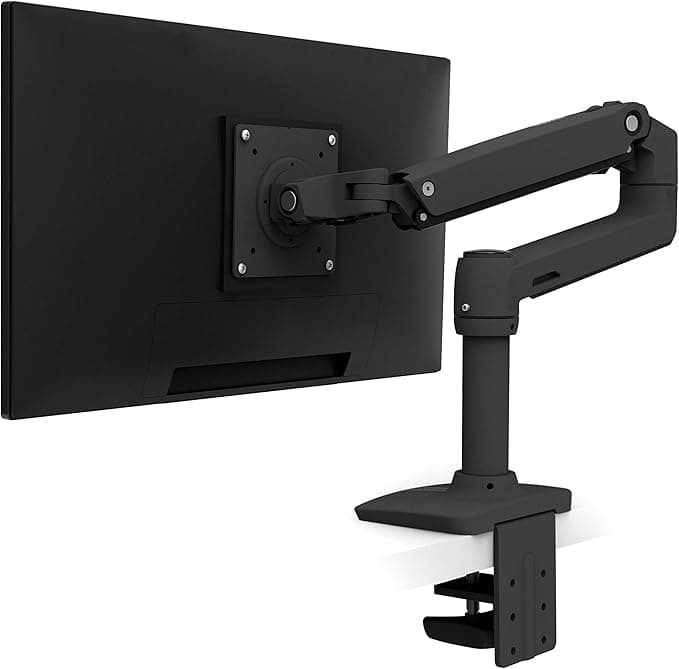
Range of motion varies dramatically between models. Basic arms might only offer tilt and height adjustment, while premium options like the Ergotron LX Single Monitor Desk Mount provide full articulation including portrait rotation and deep extension/retraction.
Common Buying Mistakes to Avoid
Many buyers assume any arm will work with their setup, then discover their desk is too thick for the clamp or their monitor exceeds the weight limit. Always measure your desk thickness and check your monitor's weight and VESA pattern before ordering.
Another mistake: underestimating cable management needs. Built-in cable channels keep your workspace tidy and prevent cables from snagging during adjustments. Budget arms often skip this feature entirely.
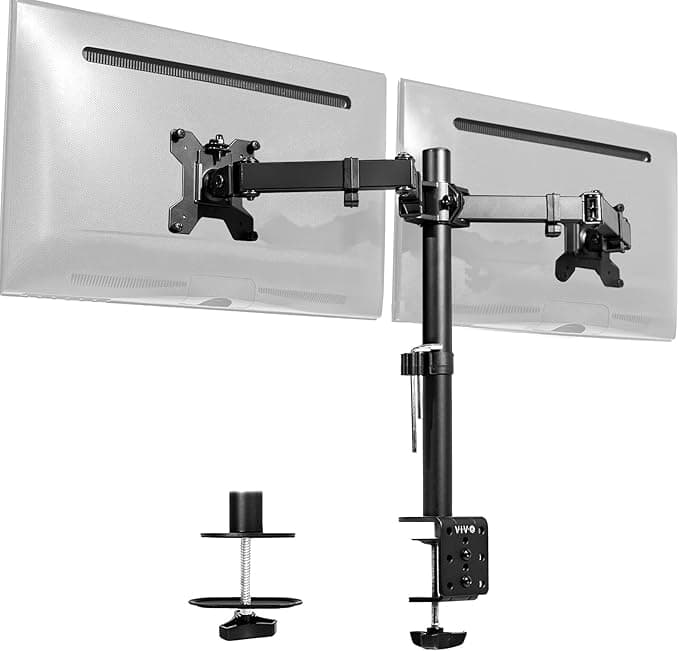
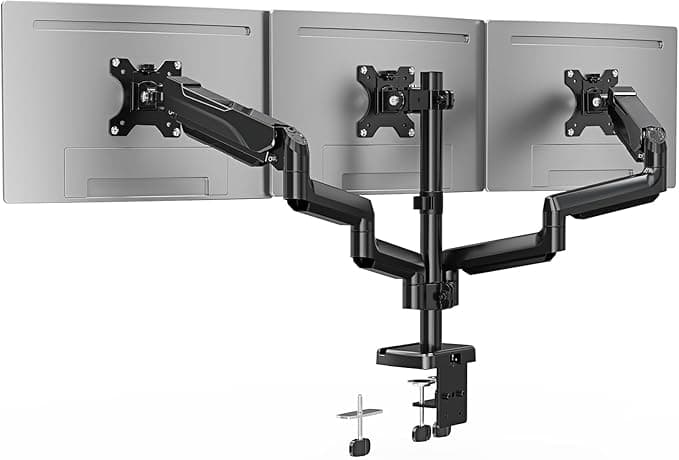
For dual setups, the VIVO Dual Monitor Desk Mount STAND-V002 earned strong marks in our testing for supporting two displays without the complexity of separate arms.
Our rankings below factor in build quality, adjustability, value proposition, and real-world reliability — weighted to reflect what actually matters when you're using these arms daily. Whether you need basic single-monitor support or a heavy-duty solution for ultrawide displays, we've found the arms that deliver.